
Devices
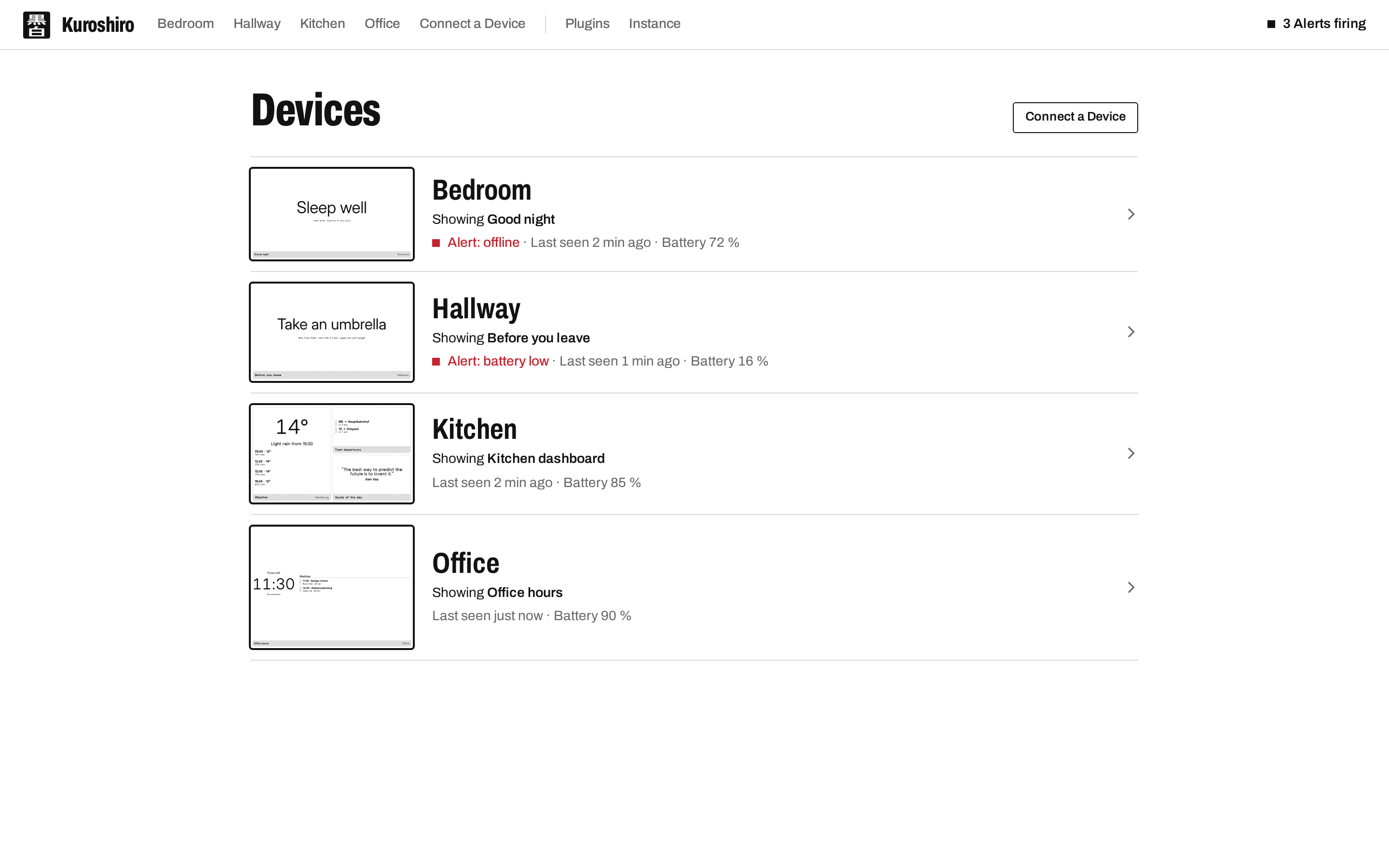
A Device is a TRMNL e-ink display, or anything speaking its firmware's protocol, registered against your Kuroshiro instance. The Devices list shows what each one is showing right now, when it was last seen, its battery and any Alert it has open.
Auto provisioning
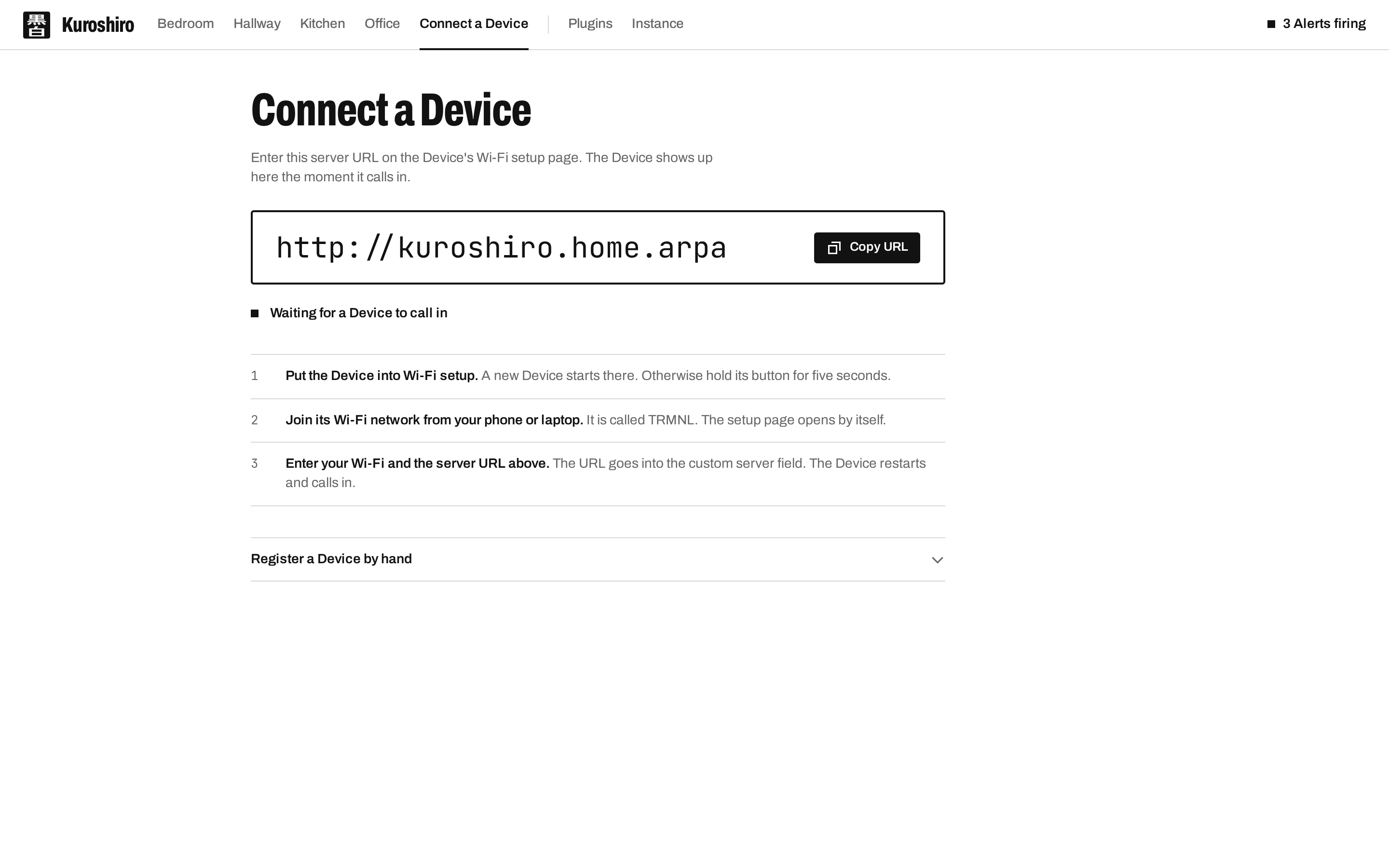
Put the Device into Wi-Fi setup, join its TRMNL network and enter your Wi-Fi plus the server URL Kuroshiro shows you into the custom server field. The Device restarts, calls in, and appears on the Connect page the moment it does. No hardware at hand? Register a Device by hand, or use the Device Simulator.
Settings
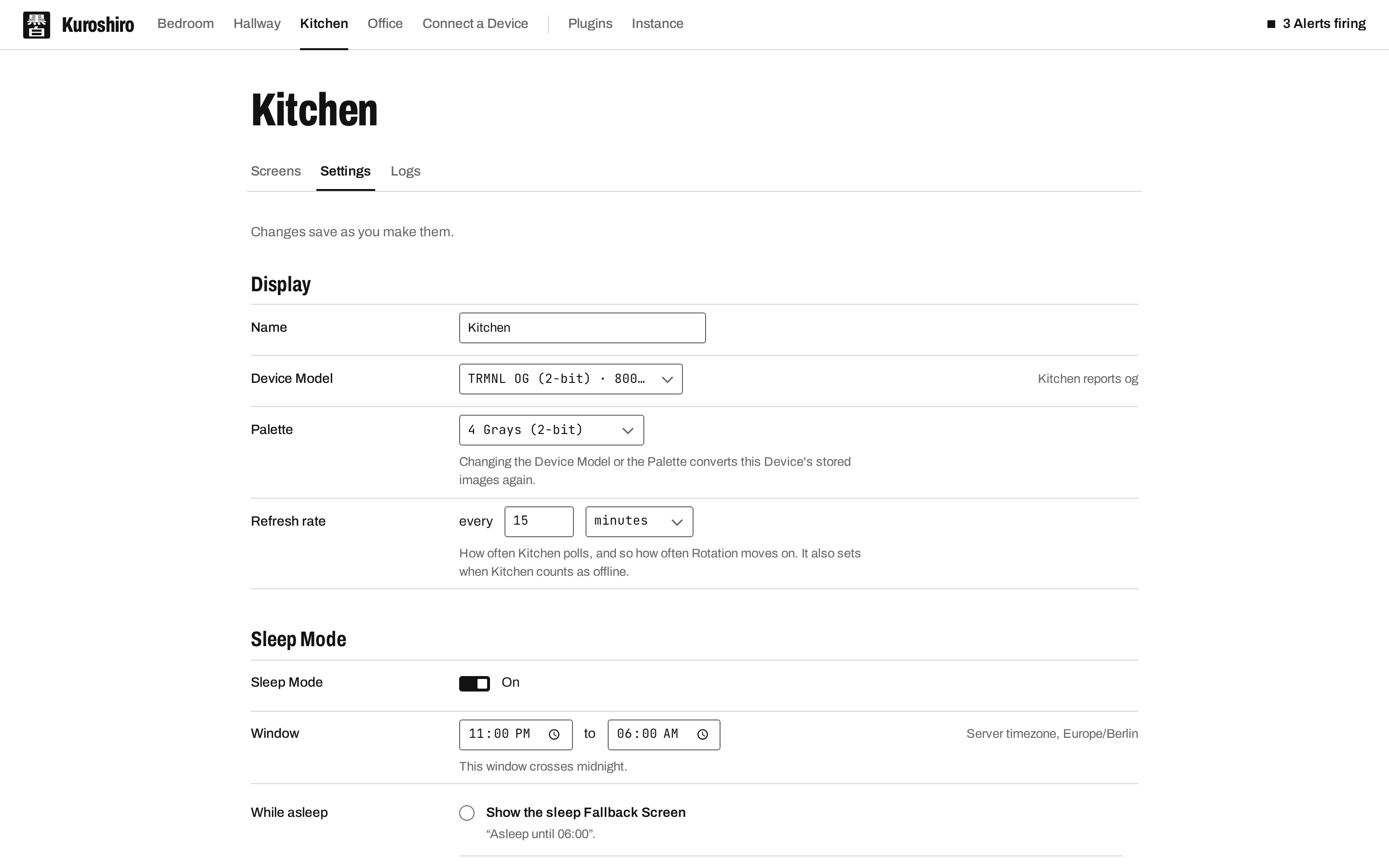
Each Device has its own Settings: its name, refresh rate, Device Model and Palette, its target Firmware, Sleep Mode, Mirroring, and a Device Reset.
- Special Functions: one-shot commands (
identify,sleep,add_wifi,rewind) that reach the Device on its next poll and fire exactly once. - Sleep Mode: a per-Device night window. While it is active the Rotation stops advancing and the Device is told to sleep until the window ends instead of polling on its usual cadence, optionally showing a dedicated sleep Screen.
- Mirroring: show the image of a Device on TRMNL's own server instead of the Device's own Rotation. If the mirrored MAC is the Device's own, Kuroshiro proxies TRMNL's
/displayresponse.
Live insights and Sensors
Wi-Fi signal, battery, firmware version and a preview of what the Device is showing. OG Devices with a Qwiic sensor add-on report CO₂, humidity, pressure and temperature on every poll; Kuroshiro keeps the latest reading and exposes it to every Plugin Template as sensors.*.
Logs
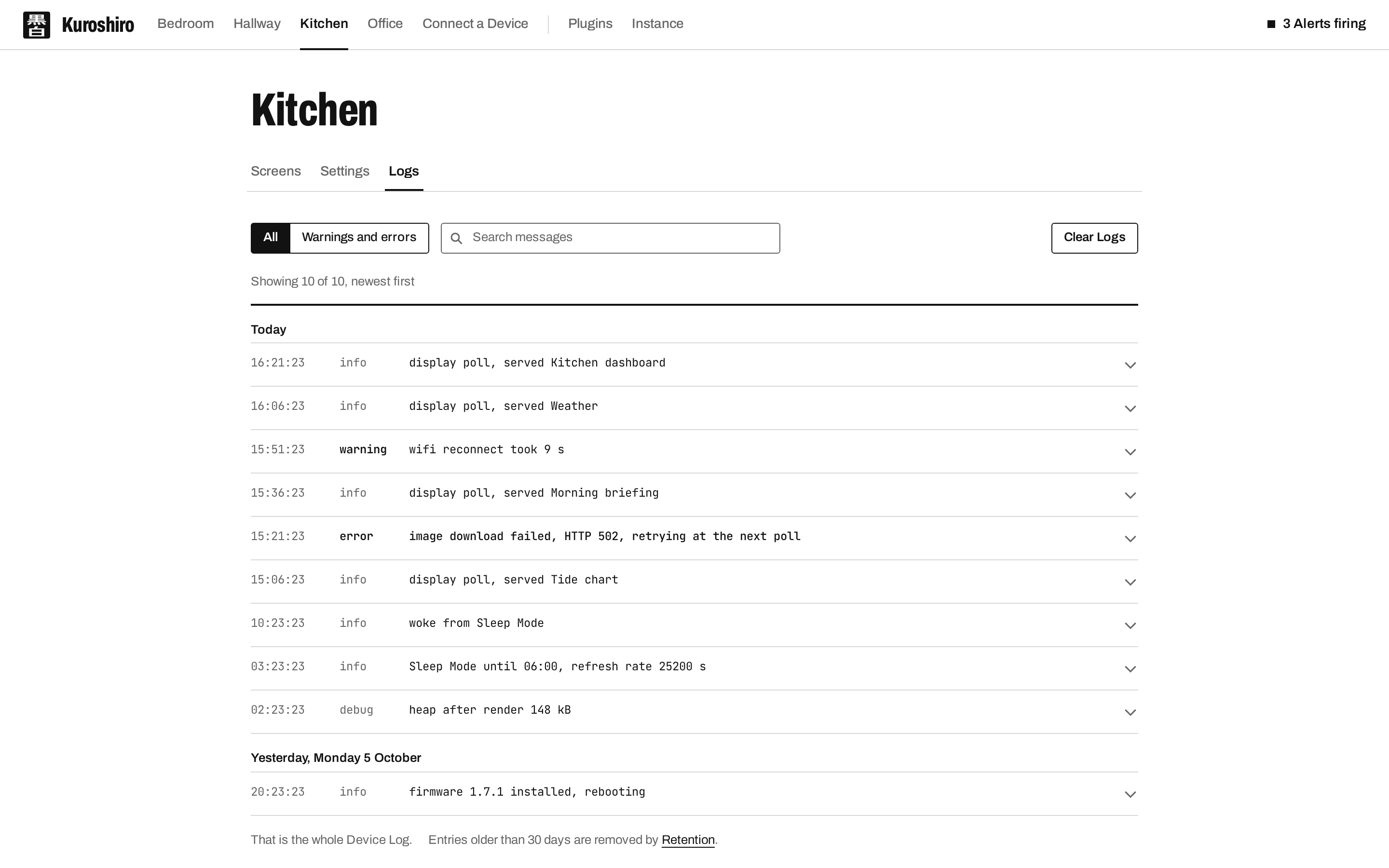
Whatever the Device's firmware reports about itself is kept as its Device Log, until you clear it or the daily Retention job prunes it.