

Firmware & Device Models
Device Models and Palettes
Every Device has a Device Model: its panel size, colour depth, rotation and rendering scale. Kuroshiro resolves it from what the firmware reports and lets you override it in the Device's Settings. The list covers every panel TRMNL sells and is synced from the official TRMNL server on startup and daily, with a bundled snapshot as an offline fallback. Devices without a resolved model render as a TRMNL OG (800×480).
A Palette is the set of greys or colours an image is reduced to, chosen per Device from those its Device Model supports. Next to the official Palettes synced from TRMNL you can create custom Palettes within one of TRMNL's fixed colour families, and Kuroshiro works out which Device Models they fit.
Firmware
The latest official Firmware syncs automatically every day, and you can upload a custom .bin build of your own. Every Firmware carries a SHA-256 checksum, verified again when it is served, and an optional set of compatible Device Models. Assigning a Firmware to a Device is blocked outright if it does not fit that Device's model, so there is no accidental bricking.
Pushes are explicit: pick a Firmware in the Device's Settings, and it is served on that Device's next poll. If you would rather not do that by hand, turn on Firmware Auto-Update in Instance Settings and each newly synced official Firmware is assigned to every compatible Device that has no push pending.
The rest of the Instance pages
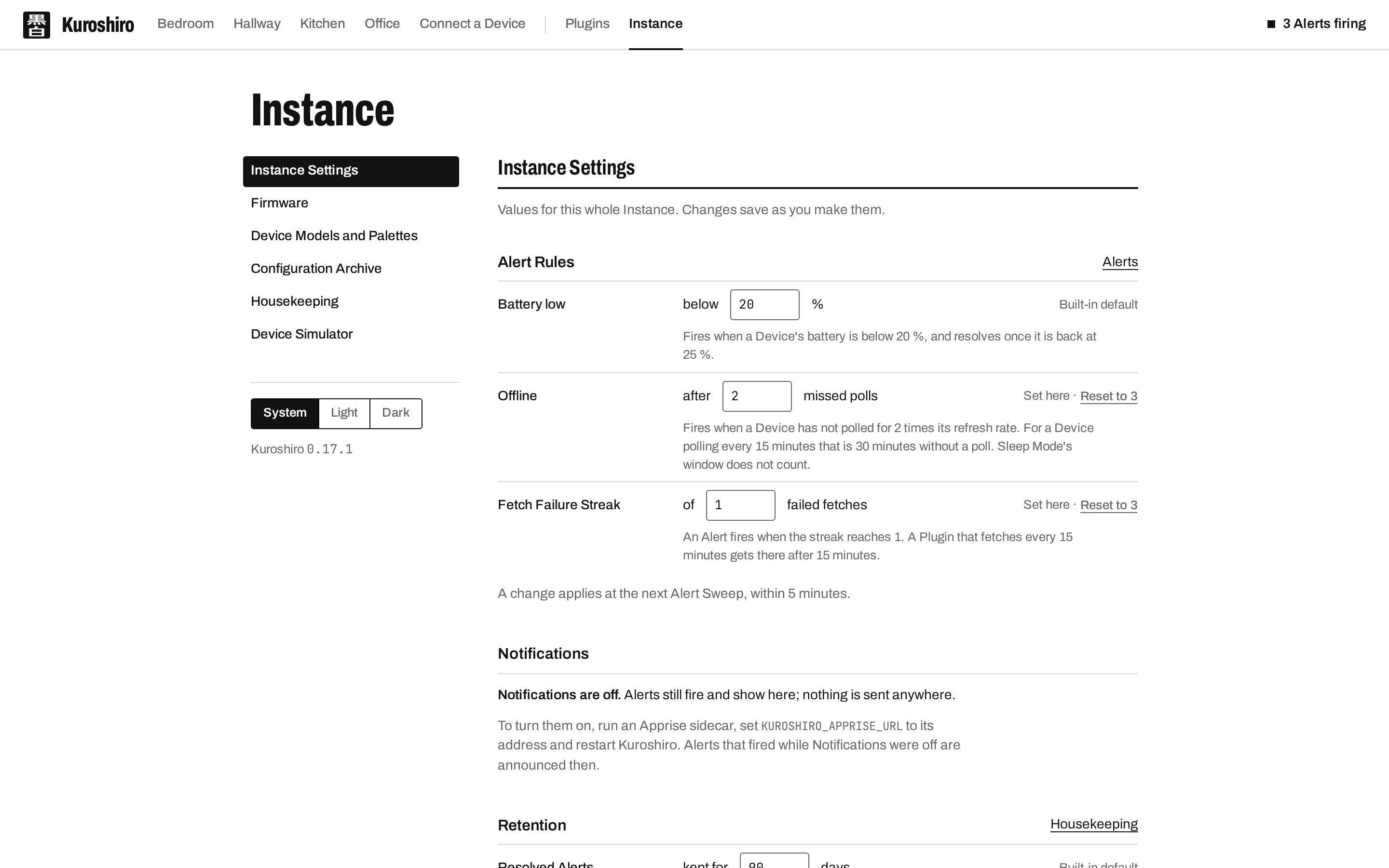
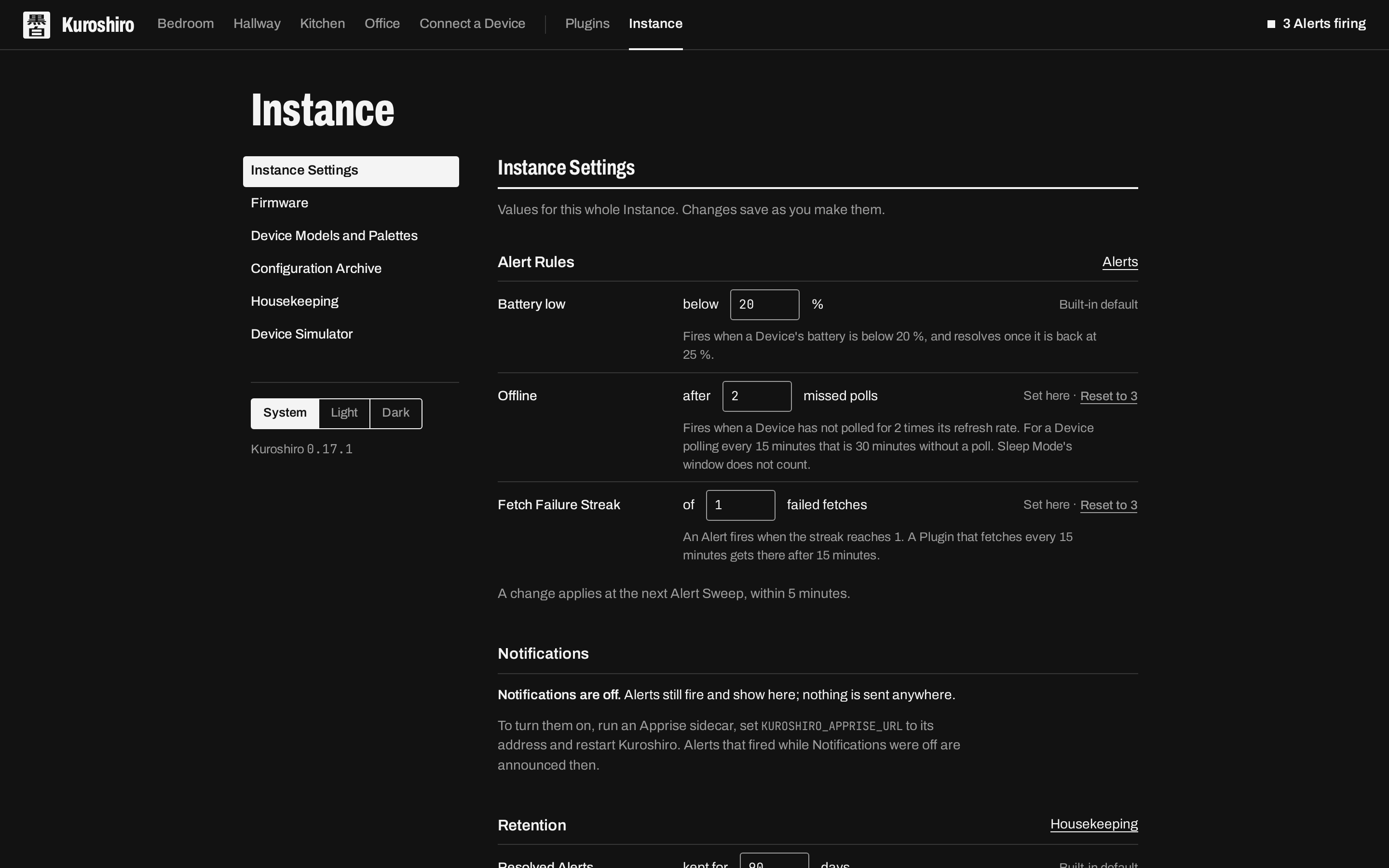
- Instance Settings: Alert thresholds, Retention ages, Firmware Auto-Update and the Test Notification.
- Configuration Archive: export every piece of admin-built configuration (Plugins, Devices, Screens, Schedules, Mashups, custom Palettes and more) as one zip, optionally with its secrets redacted, and import it onto a fresh instance. An import can be checked first without changing anything.
- Housekeeping: clean up unused images and stored files, and run Retention on demand.
- Device Simulator: poll as any Device from the browser.
See ADR-0014, ADR-0015 and ADR-0029 for how Firmware pushes were designed.